Music Visualizers · 7 min read ·
How to Make a Vertical Music Visualizer for TikTok, Reels, and Shorts
Create a 9:16 music visualizer that keeps the song, artwork, and call to action readable on short-form platforms.
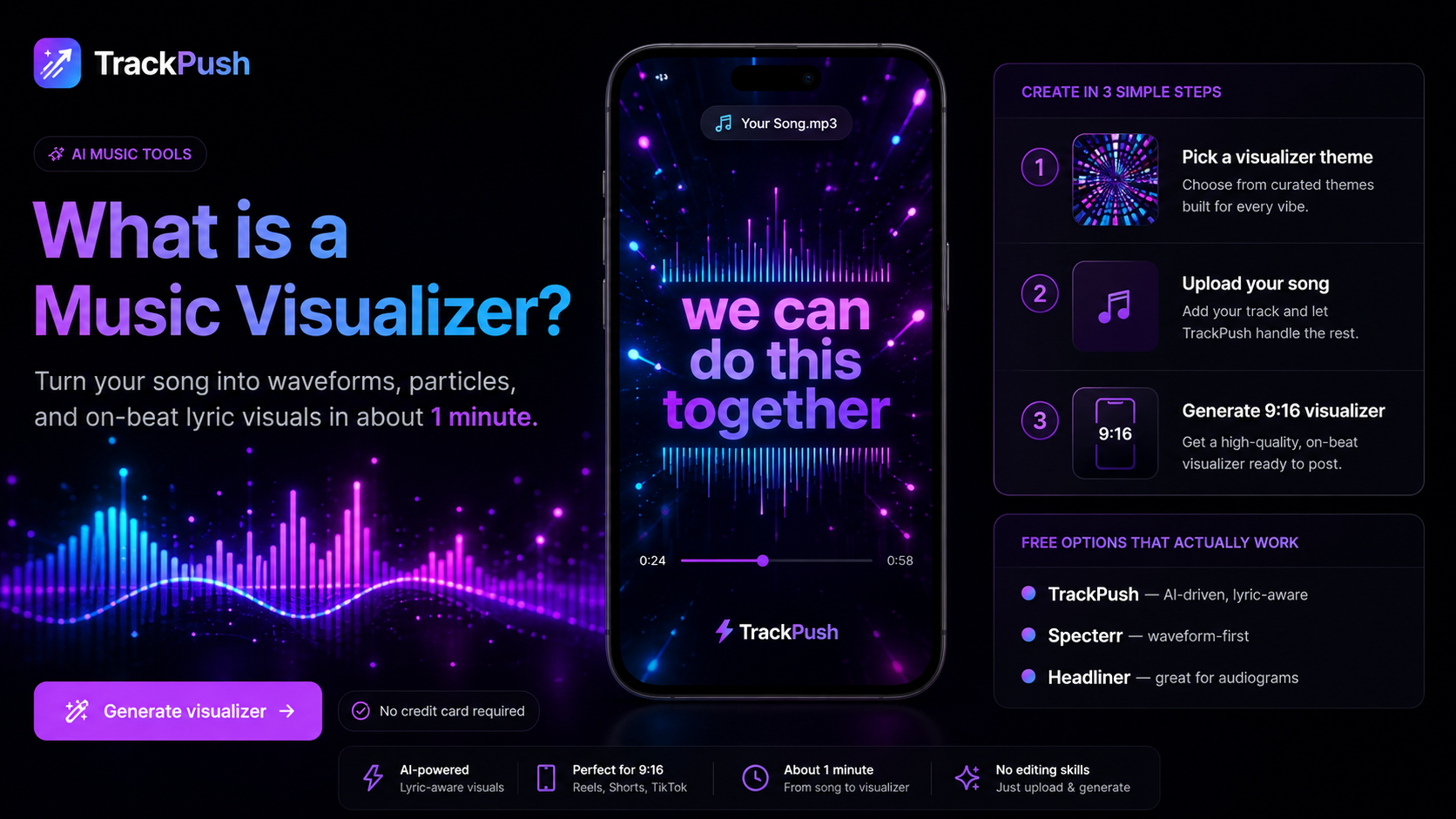
A vertical music visualizer turns a song into reusable short-form content without requiring a performance shoot. It can introduce a hook, support a countdown, give an instrumental a visual identity, or keep a catalog song active.
Build the composition for 9:16 from the start. A landscape video squeezed into a phone frame usually makes the artwork and title too small.
Begin with one goal
Decide what the viewer should do: listen to the full song, save the release, follow the artist, use the sound, comment, or watch the full YouTube version. Choose one primary action.
Select the right song section
Use a section that works without much context: the strongest chorus line, beat drop, emotional lyric, surprising production change, or melody that loops cleanly. Start slightly before the payoff when the setup helps it land.
For help choosing the excerpt, read how to choose the best lyric hook.
Design for the phone interface
Use a 9:16 frame and keep essential information in a central safe area. Platform buttons and captions can cover the right and lower edges.
A reliable structure is:
- Hook or title near the upper third
- Cover art or hero visual in the center
- Waveform or spectrum around the focal point
- Short call to action above the lower interface area
Preview at actual phone size. If the artist name is hard to read without zooming, it is too small.
Start with movement
Short-form viewers decide quickly. Avoid a long fade from black. Give the first frame a recognizable subject and let audio-reactive movement reinforce the song.
Controlled motion is easier to understand than constant flashing. The visualizer should direct attention to the music and artwork, not compete with them.
Use the cover as a brand anchor
Place the artwork in a central frame, extend its colors into the background, add slow depth movement, put a radial visualizer around it, or use a blurred copy behind the sharp cover.
The album-cover visualizer guide explains this workflow in detail.
Pick the motion system
Waveforms are familiar and suit vocals. Spectrums feel energetic and work for beat-driven music. Particles, gradients, and pulses can animate the whole frame without placing a graph in the center.
Compare the options in audio spectrum vs waveform visualizers.
Build it with TrackPush
Use the TrackPush music visualizer maker to combine a song with cover art or a visual background. Preview with phone interface space in mind, then export the vertical video.
Create variations from one identity: a lyric-led hook, cover-art visualizer, beat-drop edit, release-date version, and out-now version. Variation gives the song more chances to connect without making the campaign look disconnected.
Add context in the caption
Use the caption for the story behind the lyric, a question, a production detail, a release announcement, or an invitation to use the sound. Do not repeat every word already visible in the video.
Export checklist
- Frame is 9:16
- Text is readable on a phone
- Important elements avoid interface overlays
- Audio begins at the intended moment
- Ending loops or resolves cleanly
- Cover art is sharp
- Footage and fonts are licensed
- Call to action matches the destination
Build a separate YouTube music visualizer for the full track rather than stretching this file into landscape.
Start with the TrackPush music visualizer maker.