Music Visualizers · 6 min read ·
Spotify Canvas vs Music Visualizer: Which Should Artists Make?
Compare Spotify Canvas loops and music visualizer videos by format, purpose, platform, workload, and release-campaign use.
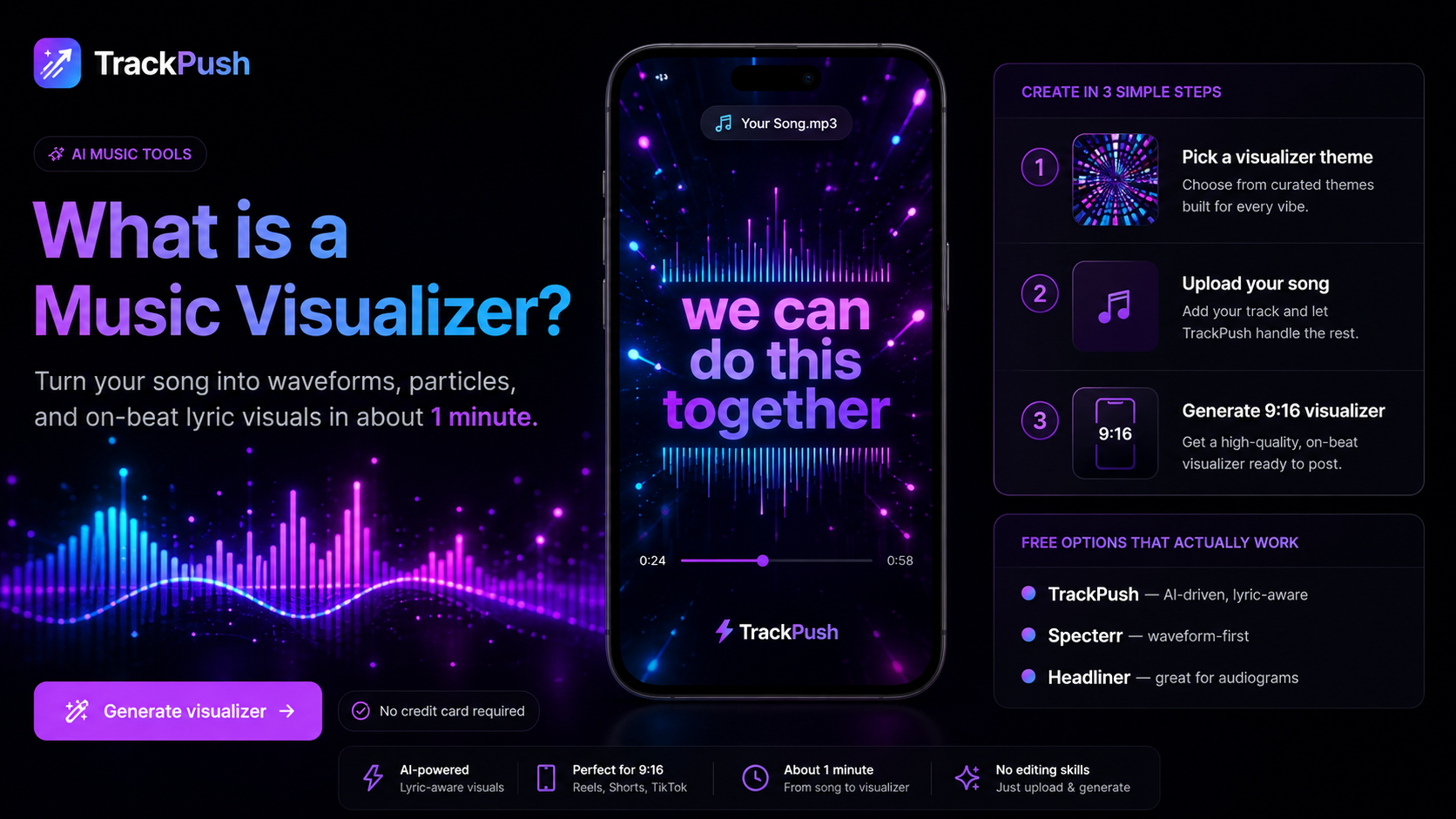
Spotify Canvas and music visualizers both give a song a visual identity, but they solve different problems.
A Canvas is a short looping visual shown in Spotify's Now Playing experience. A music visualizer is a standalone video built around the audio and can be published on YouTube, TikTok, Instagram, websites, and other video platforms.
Most artists do not need to choose only one. Build one visual world for the release, then adapt it into both formats.
Quick comparison
Question · Spotify Canvas · Music visualizer
Main destination · Spotify · YouTube and social platforms
Audio in the exported visual · Track plays separately in Spotify · Usually included in the video
Composition · Short vertical loop · Full track or short excerpt
Best use · Enhance an active stream · Publish and promote the song
Motion · Seamless visual loop · Waveform, spectrum, particles, art, or lyrics
Reuse · Short loop environments · Several video platforms
Spotify describes Canvas as a short looping visual attached to a track. Check current requirements in Spotify for Artists before exporting because specifications can change.
Make a Canvas when
Your goal is to improve the experience for people already listening on Spotify. Canvas is useful for extending cover art into motion, showing a short performance moment, and building continuity across several songs.
Focus on one motion concept, remove unnecessary text, connect the first and last frame, and preview the loop repeatedly.
Make a visualizer when
You need a standalone video for discovery and sharing. A visualizer works for a full-song YouTube upload, a beat channel, a social hook, a website, or a catalog release without an official music video.
It can include the audio, artwork, title, waveform, lyrics, and a promotional message. Because it has more jobs than a Canvas, visual hierarchy matters.
Build both from one system
Start with the release artwork, color palette, and one motion idea. Then create:
- A short vertical loop for Canvas
- A full landscape visualizer for YouTube
- A vertical hook visualizer for TikTok, Reels, and Shorts
- A thumbnail and still using the same direction
A listener who sees the visualizer in a feed should recognize the release when it opens in Spotify.
Reuse the idea, not the exact crop
A Canvas is viewed inside Spotify's interface. A YouTube visualizer needs a landscape composition and may run for the whole track. A vertical promo needs a fast opening and space around social controls.
Use the music visualizer video size guide to plan each export.
Which should come first?
- Create Canvas first when the release is distributed and Spotify listeners are the focus.
- Create a visualizer first when you need a public video for discovery or sharing.
- Prioritize a full visualizer when YouTube is important.
- Prioritize a vertical version when short-form promotion drives the campaign.
- If time is limited, create one visual direction and adapt it.
Create the visualizer with TrackPush
Open the TrackPush music visualizer maker to combine your song, cover art, and visual treatment. Build the full or vertical visualizer, then use the same colors and motion concept for Canvas.
Continue with:
- How to make a YouTube music visualizer
- How to make a vertical music visualizer
- How to turn album cover art into a visualizer
Canvas strengthens the listening experience. A visualizer gives the song a standalone piece of content. Together, they create consistency from discovery to stream.