Music Visualizers · 7 min ·
Audio Spectrum vs Waveform Visualizer: What’s the Difference?
Compare audio spectrum and waveform visualizers, learn which style fits your song, and choose the best format for YouTube and short-form video.
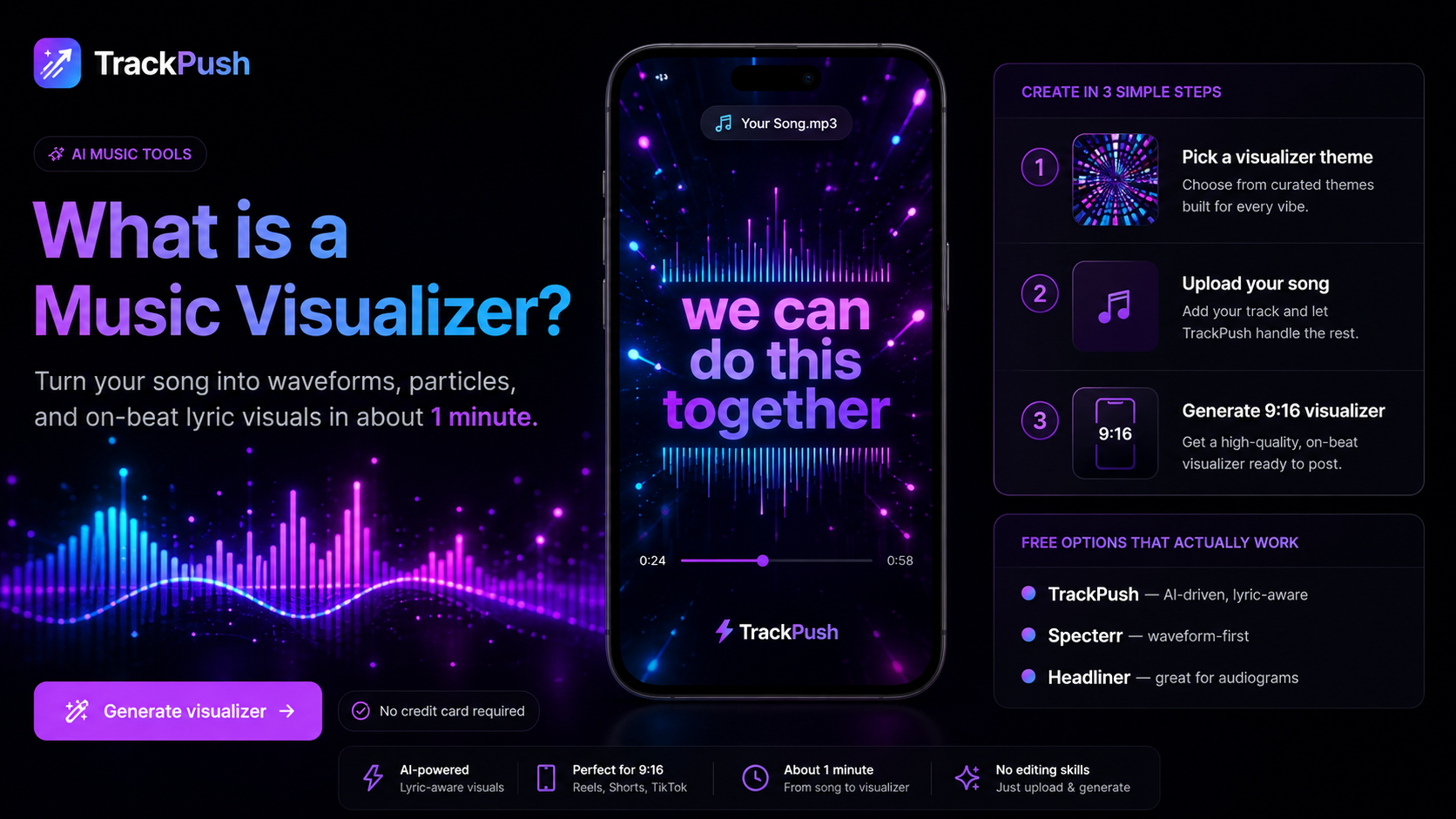
Audio spectrum or waveform: which visualizer should you use?
Both styles turn sound into motion, but they communicate music differently. An audio spectrum visualizer separates the song into frequency bands, so bass, mids, and treble move independently. A waveform visualizer shows the changing amplitude of the full audio signal as a continuous line or shape.
The right choice depends on your song, artwork, platform, and how much movement you want on screen.
What is an audio spectrum visualizer?
A spectrum visualizer usually appears as a row, circle, or field of bars. Each bar responds to a frequency range. Low-frequency bars react to kick drums and bass, while higher-frequency bars respond to vocals, hi-hats, and brighter instruments.
Spectrum designs work especially well when:
- The track has strong drums or bass
- You want an energetic, rhythmic look
- The artwork has open space around its focal point
- You are making electronic, hip-hop, dance, or beat-focused content
Because different parts of the spectrum move separately, the animation can feel detailed even when the background is simple.
What is a waveform visualizer?
A waveform displays the overall audio signal over time. It may look like a horizontal line, mirrored wave, circular ring, or scrolling shape. Instead of showing individual frequencies, it emphasizes the rise and fall of the complete recording.
Waveforms work well when:
- You want a clean, recognizable audio motif
- The artwork already has many visual details
- The song is acoustic, vocal-led, ambient, or cinematic
- You need a subtle animation that will not compete with lyrics or a title
Side-by-side comparison
Feature · Audio spectrum · Waveform
Responds to · Separate frequency bands · Overall signal level
Typical look · Bars, radial bands, particles · Line, ribbon, ring
Visual energy · Medium to high · Low to medium
Best for · Beat-driven tracks · Clean or story-led visuals
Works with lyrics · Yes, with careful spacing · Usually very well
Which style is better for YouTube?
For a full-song upload on YouTube, both work. A horizontal spectrum often fills a 16:9 frame naturally, while a waveform leaves more room for the song title, artist name, credits, and calls to action.
If your goal is a high-energy upload, start with a spectrum. If your cover art and typography should stay dominant, use a waveform. Our YouTube music visualizer guide explains the complete export workflow.
Which style is better for short-form video?
Vertical video has less horizontal room, so a circular spectrum or compact waveform usually works better than a wide bar graph. Keep the animation away from platform interface elements and place the most important text near the center.
See the vertical music visualizer guide for layout and safe-area tips.
How to choose in five minutes
- Start with your album or single artwork.
- Decide where the song title and artist name will appear.
- Test a spectrum and a waveform over the same 10-second chorus.
- Watch both versions once with sound and once muted.
- Choose the version that makes the artwork easier to understand at a glance.
If both look good, export both. Use the spectrum version for energetic posts and the waveform version for announcements, lyric excerpts, or storytelling posts.
Make either style without a timeline editor
TrackPush lets you combine your song and visual assets into ready-to-share music content. Open the music visualizer maker, upload your audio, choose a visual direction, and create a version suited to your platform.
For more setup ideas, learn how to turn album cover art into a visualizer and check the music visualizer size guide.