Music Visualizers · 7 min ·
Music Visualizer Video Size Guide for YouTube, TikTok, Reels, and Shorts
Use the right dimensions, aspect ratios, and layout safe areas for music visualizers on every major video platform.
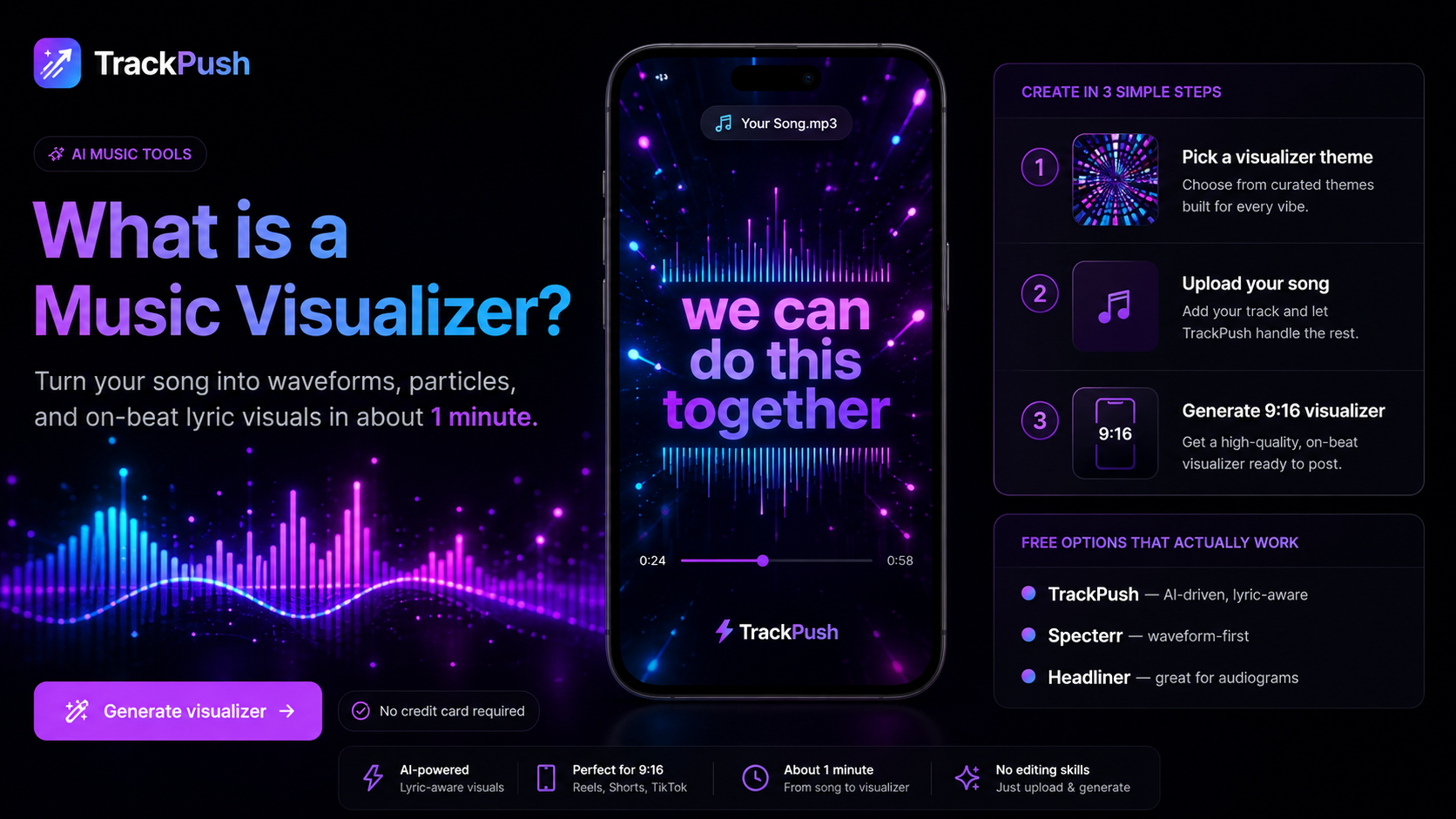
Music visualizer dimensions at a glance
Design for the destination platform before you export. The same video should not be stretched across YouTube, TikTok, Instagram Reels, and Shorts.
Platform and placement · Recommended size · Aspect ratio
YouTube standard video · 1920 × 1080 · 16:9
YouTube Shorts · 1080 × 1920 · 9:16
TikTok · 1080 × 1920 · 9:16
Instagram Reels · 1080 × 1920 · 9:16
Instagram feed portrait · 1080 × 1350 · 4:5
Square social post · 1080 × 1080 · 1:1
These dimensions give you a practical high-quality master for each placement. Platform interfaces and compression change over time, so always preview the final upload on a phone.
YouTube music visualizer size
Use 1920 × 1080 pixels for a standard YouTube visualizer. This landscape frame gives you room for cover art, a waveform or spectrum, song information, and credits.
A reliable layout places cover art in the center or left third, the visualizer below or around the cover, and the artist and track title in a clear text block. Avoid tiny text at the edges because viewers may watch on televisions, laptops, and phones.
See how to make a music visualizer for YouTube for the publishing workflow.
TikTok, Reels, and Shorts size
Use 1080 × 1920 pixels for TikTok, Instagram Reels, and YouTube Shorts. The 9:16 frame fills a phone screen, but interface controls cover parts of the image.
Keep essential elements away from the extreme top, bottom, and right side. Place the title, artist, cover art, and most important animation near the central area.
A vertical layout can use cover art in the upper-middle area, a circular visualizer around it, a compact waveform beneath it, one short lyric line, and a simple “listen now” call to action.
Our vertical music visualizer guide covers mobile-first composition in more detail.
Square and portrait feed sizes
A 1080 × 1080 square video is useful when you want a reusable feed post. A 1080 × 1350 portrait post takes up more vertical screen space in the Instagram feed.
These formats are good for release announcements and short excerpts, but vertical 9:16 is usually better for dedicated Reels, TikToks, and Shorts.
Should you crop one master into every format?
You can reuse colors, typography, artwork, and animation settings, but each aspect ratio should have its own layout. Cropping a 16:9 YouTube video into 9:16 often removes the sides, makes cover art too small, or hides text behind platform controls.
Build a small template family:
- Landscape 16:9 for full-length YouTube uploads
- Vertical 9:16 for TikTok, Reels, and Shorts
- Optional square or 4:5 version for feeds
The versions should feel related without being identical.
Export quality checklist
Before publishing, confirm that the canvas matches the placement, artwork is sharp, text is readable, the visualizer has enough contrast, motion does not obscure the cover, audio remains synchronized, and calls to action stay in the safe central area.
If you are beginning with static artwork, use the guide to turn album cover art into a music visualizer.
Make every required format
Open the TrackPush music visualizer maker to create visual content around your song. Choose your target platform first, then export a layout built for that screen instead of relying on a last-minute crop.