Suno Creator Guides · 11 min read ·
Suno Lyric Video Maker: Turn a Suno Song Into Social Videos
Turn a downloaded Suno song into beat-synced lyric videos for TikTok, Instagram Reels, and YouTube Shorts—then generate multiple visual variations from one track.
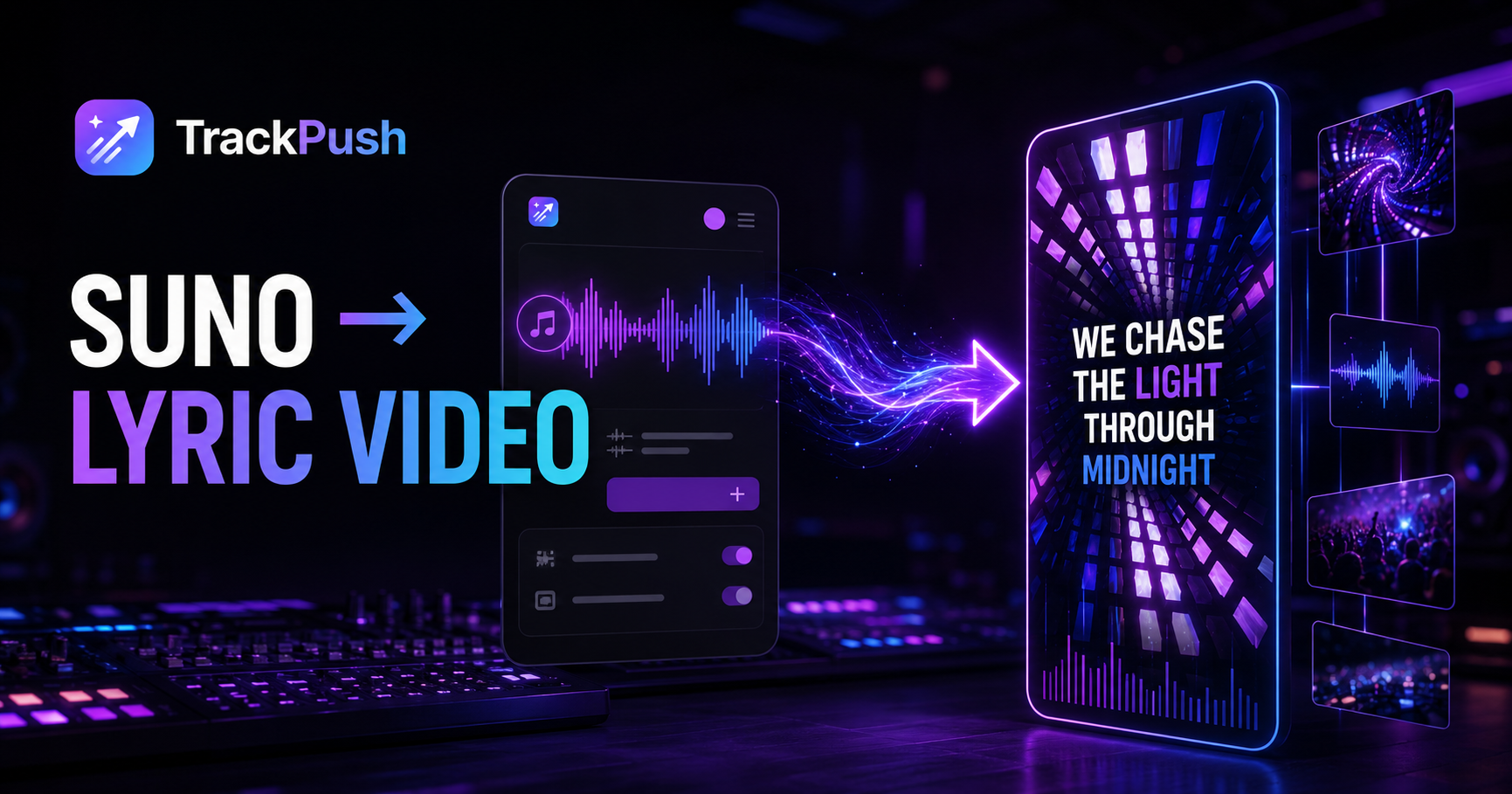
You finished a song in Suno. The audio works, the hook is memorable, and the track is ready to share—but social platforms still need something people can watch.
A Suno lyric video maker closes that gap. Download your song from Suno, upload the audio to TrackPush, choose a visual theme, add synchronized lyrics, and generate vertical videos for TikTok, Instagram Reels, and YouTube Shorts.
TrackPush is especially useful when you need more than one post. Instead of building one timeline and starting over, you can reuse the same song and visual library to create different clip orders, hooks, lyric moments, and backgrounds.
TrackPush is an independent product and is not affiliated with or endorsed by Suno.
What is a Suno lyric video maker?
A Suno lyric video maker turns the audio file you created in Suno into a video with timed lyrics and moving visuals.
The basic workflow is:
- Create and finish your song in Suno
- Download your own audio file
- Upload it to a lyric video generator
- Choose footage or a visual theme
- Transcribe and synchronize the lyrics
- Export a vertical video
TrackPush adds a second layer to that workflow: repeatable variation. A reusable theme can contain multiple related video clips, so each generation can assemble the song differently without losing the campaign's visual identity.
Why Suno songs need a visual layer
An audio file alone is difficult to post as short-form content. A static cover can work for an announcement, but it gives the viewer little reason to keep watching.
Lyric videos add three useful elements:
- A readable hook: viewers can understand a lyric before they know the artist
- Movement: changing visuals give the eye something to follow
- Context: a short line above the lyrics can explain the feeling or story
This matters for AI-assisted songs because the creator may have a finished track without performance footage, a music video shoot, or a large content budget. A visual theme gives the song a consistent world without requiring a camera crew.
How to make a lyric video from a Suno song
1. Download the song you created
In Suno's web interface, open your Library or Workspace, select the three-dot menu beside your song, and choose a download option. Suno's official download guide explains the current steps.
Suno says Basic users can download an MP3, while WAV downloads are available to Pro and Premier subscribers through the desktop website. Use the best finished version of the song you have available.
2. Pick the part people should hear first
Do not automatically begin at the first second of the song. For a short-form lyric video, the strongest opening may be:
- The first line of the chorus
- A lyric that sounds like a confession
- A question that creates curiosity
- The pre-chorus turn
- A beat drop or vocal change
The viewer has no context. Choose a moment that can create its own context quickly.
3. Choose or build a visual theme
A TrackPush theme is a collection of clips that share a look or mood. You can build one from your own footage or browse public lyric-video themes.
Match the visuals to the emotional job of the song. A dark electronic track may fit night drives, strobes, or abstract loops. A softer track may work with rain, ocean footage, empty rooms, or slow camera movement.
The visuals do not need to explain every lyric literally. They need to support the mood without competing with the words.
4. Upload the Suno audio and enable lyrics
Open the TrackPush generator, choose the theme, and upload the downloaded song. Turn on the lyrics overlay so TrackPush can transcribe the vocals and place the words into the video.
Review the transcript before generating your final version. AI singing can include stretched vowels, harmonies, ad-libs, or stylized pronunciation that make automatic transcription harder than ordinary speech.
If a word is wrong, correct it. If a phrase enters slightly early or late, adjust its timing. The goal is not merely to display the right text—it is to make the lyric arrive when the listener expects it.
5. Choose a caption style and safe position
Select a readable font, color, size, and position. High contrast matters more than decoration.
For vertical posts, keep important text away from the extreme top and bottom of the frame. TikTok, Reels, and Shorts place interface controls, captions, usernames, and buttons over those areas.
TrackPush lets you preview the lyric placement and move the overlay before generating.
6. Add an optional hook above the lyric
A hook overlay can explain why someone should listen to the next line.
Examples:
- "I made this after deleting their number"
- "The chorus Suno gave me at 2 a.m."
- "Would you release this version?"
- "This line changed the whole song"
- "For anyone who almost texted them again"
The hook and the lyric should work together. Avoid covering the screen with two unrelated blocks of text.
7. Generate, review, and create variations
Generate the first video and review:
- Lyric accuracy
- Caption timing
- First frame
- Contrast and readability
- Whether the visual cuts fit the song's energy
- Whether platform controls will cover the text
Then create variations rather than treating the first export as the whole campaign. Change the opening clip, hook text, song section, or visual theme.
Use the TrackPush lyric video maker for a single workflow, or the bulk lyric video maker when you want multiple versions from one song.
One Suno song can become a full release campaign
A useful set of posts might include:
- Chorus with no extra hook
- Chorus with a story hook
- Vulnerable verse lyric
- Beat-drop version with faster visuals
- Alternate visual theme
- Short seven-second cut
- Longer chorus cut
- Question-led hook
- Behind-the-song context
- Release reminder
The point is not to upload the same file repeatedly. Each version should test a different reason for the viewer to stop.
Read how to turn one Suno song into 10 social videos for the complete variation matrix.
What if the Suno lyrics are transcribed incorrectly?
Start with the cleanest master and review the transcript while listening to the vocal. Correct spelling first, then timing. Pay special attention to layered choruses, quiet intros, ad-libs, and words with unusual pronunciation.
The Suno caption-sync troubleshooting guide explains how to repair the most common errors.
Can you monetize a Suno lyric video?
That depends on the rights attached to the song and every other element in the video.
According to Suno's current guidance, songs created while subscribed to Pro or Premier receive commercial-use rights. Songs made on the Basic plan are intended for non-commercial use, and subscribing later normally does not grant retroactive rights. Suno also warns that you must have permission for lyrics or other material created by someone else.
Read can you monetize a Suno lyric video? before publishing commercially. It summarizes the official guidance and the questions to check. It is educational information, not legal advice.
Suno lyric video FAQ
Can I upload a Suno song to TrackPush?
Yes. Download a song you are permitted to use from Suno, then upload the audio file to TrackPush like any other song.
Does TrackPush import a Suno link directly?
The reliable workflow is to download your audio from Suno and upload the file to TrackPush. Do not assume a public Suno link grants permission to copy or commercialize someone else's song.
Can TrackPush automatically add lyrics to a Suno song?
TrackPush can transcribe the uploaded vocal and create synchronized lyric captions. Review the text and timing because stylized AI vocals can still produce transcription mistakes.
Can I make a vertical Suno lyric video?
Yes. TrackPush supports vertical layouts designed for TikTok, Instagram Reels, and YouTube Shorts, along with caption-position controls.
Can I make multiple videos from one Suno song?
Yes. Reuse the same audio and theme while changing the lyric section, hook, first clip, clip order, or visual style. TrackPush also offers batch generation on eligible plans.
Give the song more than one chance to connect
The strongest advantage of a Suno lyric video maker is not simply converting audio into one video. It is turning a finished song into a repeatable content system.
Download your song, choose a visual world, check the lyrics, and generate the first post. Then make enough controlled variations to learn which lyric, opening, and mood make people stop.
Start with the TrackPush lyric video maker, or follow the detailed Suno song-to-video tutorial.