AI · 4 min read ·
How to Make a Lyric Video With AI (No Editing Skills)
AI lyric video generators went from gimmick to genuinely usable in 2025. Here is the workflow most artists are quietly using to ship 30 videos a month.
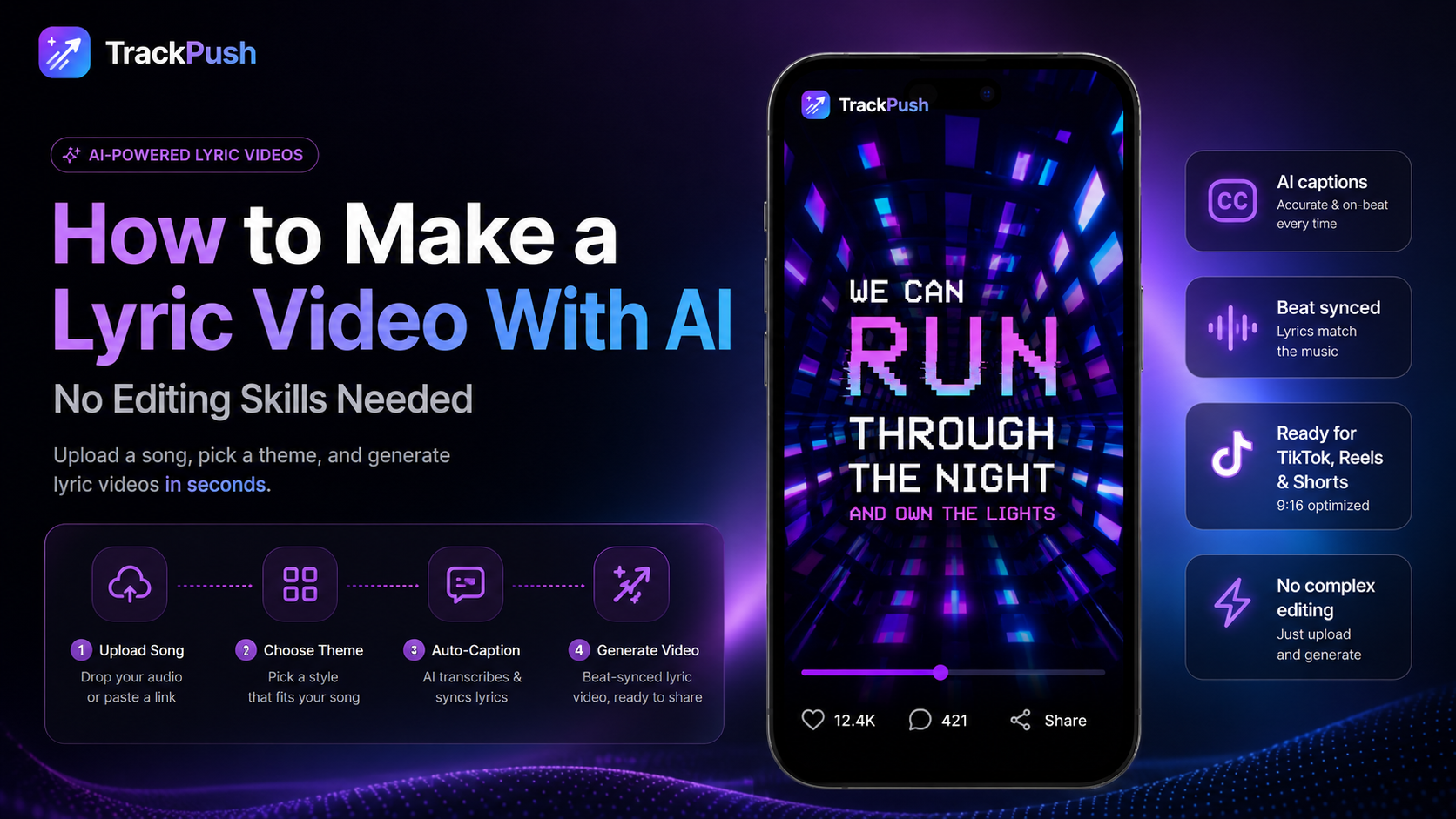
What "AI lyric video" actually means
Two things, packaged together:
- Automatic transcription — the model listens to the song and pulls the lyrics out, word-by-word with timestamps.
- On-beat assembly — visual clips are cut to the beat and captions are burned in synced to the lyrics.
You do not pick fonts. You do not keyframe. You pick a theme, drop a song, and the AI does the rest.
The workflow
- Open TrackPush.
- Pick a visual theme.
- Upload the song.
- Hit generate. About 60 seconds later you have a 9:16 lyric video.
- Do not like the cuts? Hit re-roll — every generation is different.
Why it beats CapCut templates
CapCut templates are great until everyone uses the same one. AI-generated lyric videos remix the clip order, the timing and the captions per song, so every output is unique.
Making an AI lyric video from a Suno song
Suno creators can use the same workflow after downloading a song they are permitted to use. The dedicated Suno lyric video maker guide covers downloading the audio, reviewing AI-vocal transcription, creating social variations, and checking commercial-use rights.
Multilingual and romanized AI lyric videos
For songs in Hindi, Punjabi, Arabic, Japanese, and other languages, the AI workflow can preserve the original script or create a romanized version in Latin characters without rebuilding the word timing. Use the romanized lyrics guide to make native-script and global sing-along versions from one transcript.