Tutorials · 6 min read ·
How to Make a Lyric Video (Step-by-Step, 2026 Guide)
The fastest way to turn any song into a lyric video — without After Effects, Premiere or design skills. Made for artists, labels and lyric-page owners.
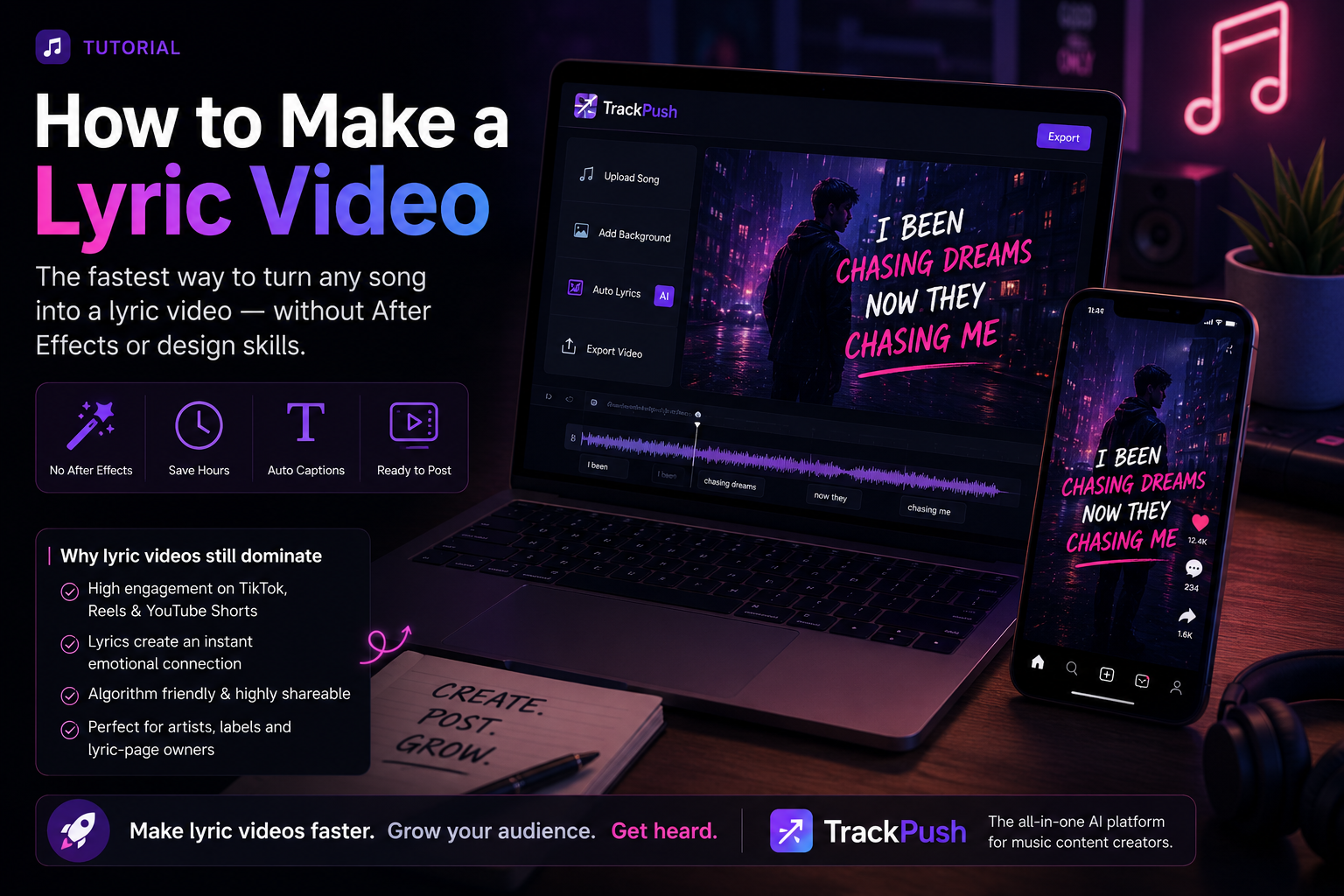
Why lyric videos still dominate
Lyric videos are the highest-converting format for a new release. They are easy to watch on mute, they make the hook unmissable, and the algorithm on TikTok, Reels and YouTube Shorts loves a tight on-beat cut.
But making one used to mean After Effects, kinetic typography tutorials, and hours per video. Not anymore.
The 4-step process
1. Pick a visual theme
Do not start with a blank canvas. Pick a pre-built aesthetic — neon, anime, retro, brat — so every cut already looks intentional.
2. Upload your song
Drop in an MP3 or paste a track URL. TrackPush detects the beat and pulls the lyrics automatically.
3. Auto-cut on-beat
The AI lyric video maker lands every cut on a transient and syncs captions word-by-word.
4. Export 9:16
One click gets you a vertical MP4 ready for TikTok, Reels and Shorts. Repost to YouTube as a Short and you have covered all three platforms.
The shortcut
TrackPush does all four steps in about 90 seconds. Free plan included.
Generate the video after you plan the concept
Once you know the song moment, visual direction, and lyric treatment you want, you can use the TrackPush lyric video generator to turn those decisions into a vertical short-form video without rebuilding the edit from scratch. If you prefer a more hands-on starting point, the online lyric video maker covers that workflow.
Creating lyric videos for global audiences
TrackPush can keep lyrics in their original script or turn supported non-Latin lyrics into pronunciation-friendly English characters while preserving caption timing. Read How to Romanize Lyrics for a Lyric Video, then use the dedicated Hindi, Punjabi, and Spanish guides to plan language-specific versions.