Managed Music Promotion · 8 min read ·
How the TrackPush Managed Music Campaign Works
A step-by-step guide to setting up one song, selecting your social channels, reviewing the 30-day plan, and receiving 100 promotional video edits.
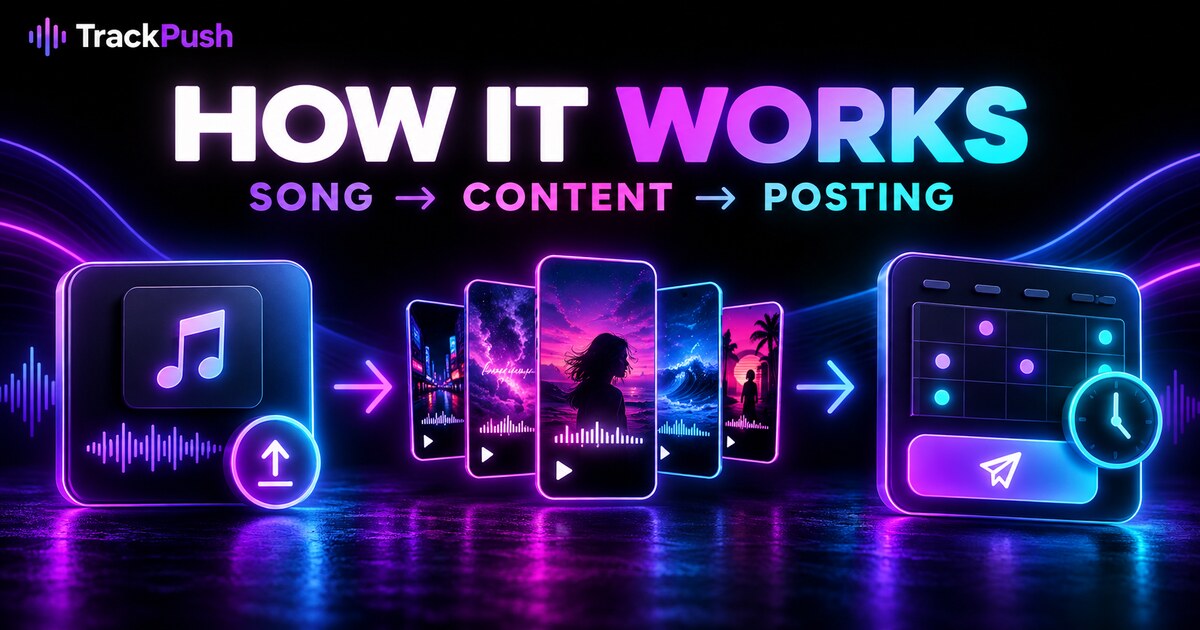
From one song to a 30-day content campaign
The TrackPush Managed Campaign is designed for artists who want consistent promotion without personally editing and scheduling every post.
For the one-time introductory price of $49, TrackPush creates 100 short lyric-video and visualizer edits for one song and publishes them to the social accounts the artist selects.
Here is the complete workflow.
Step 1: add your song
Enter the artist name and song title, then upload an MP3, WAV, M4A, or FLAC file up to the displayed upload limit. If the song is already in your TrackPush library, select it instead.
You can also add a release link. This gives the campaign a clear destination when relevant captions or calls to action are prepared.
Step 2: choose the creative direction
Tell TrackPush about the mood, colors, audience, genre, visual references, important lyrics, and anything that should be avoided.
If you do not have a firm direction, you can hand over more creative control. TrackPush can choose themes, excerpts, lyric styles, captions, and posting times within the preferences you approve.
The service focuses on TrackPush-generated lyric videos, visualizers, song excerpts, hooks, and captions. It does not include filming, music-video shoots, or custom live-action production.
Step 3: connect your channels
TrackPush uses the artist’s existing Buffer connection. Select every account that should be included.
The campaign only receives permission for the channels you explicitly choose. New channels connected later are not silently added. You retain ownership of the accounts, and TrackPush is not authorized to change profiles or unrelated content.
Every finished video is scheduled to every selected account when platform requirements allow. Three selected accounts can mean up to 300 placements from 100 videos.
For the multi-platform strategy, read How to Promote Music Across TikTok, Reels, and Shorts.
Step 4: review the proposed calendar
Before checkout, TrackPush shows a proposed 30-day campaign plan. This gives you a clear view of how the 100 videos may be distributed.
The plan is a starting structure. TrackPush reviews the music and creative direction before confirming the campaign’s actual start.
The goal is to prepare the campaign within three business days. Timing can change if the song, account connections, or platform requirements need attention.
Step 5: review the terms and pay once
The managed campaign costs $49 one time at the introductory price. There is no recurring managed-campaign subscription.
You complete setup before paying, which means the song, preferences, selected accounts, permissions, and proposed plan are already visible.
A full refund is available before creative work begins. After work starts, an artist can request a review of unfinished work for a possible partial refund. One creative-direction revision before production begins is included, and TrackPush corrects its production errors.
Step 6: TrackPush creates 100 variations
The campaign is not 100 copies of one template. The service can vary:
- The section of the song
- Opening lyric or hook
- Visual theme
- Clip sequence
- Caption and call to action
- Lyric presentation
- Visualizer treatment
- Posting time
The goal is to give the song multiple creative entry points. Learn why this matters in Why One Song Needs 100 Promo Videos.
Step 7: follow progress and live posts
The campaign dashboard shows progress, videos, placements, live-post links, and campaign updates.
Platform-specific fields still apply. For example, YouTube may require a title, Pinterest requires a board, and a platform can reject a file or temporarily rate-limit publishing. TrackPush shows delivery errors so they can be corrected or retried.
Artists can pause the campaign. A post already being sent may finish before the pause is confirmed, and pauses or connection problems may extend the delivery period.
Step 8: keep the videos and review the report
Completed videos remain downloadable for at least 90 days after campaign completion. TrackPush also provides a written report so the artist can understand what was created and where it was published.
The campaign does not promise views, followers, streams, or viral reach. It provides a managed system for creating and distributing far more organic content than most solo artists could realistically prepare themselves.
Start setting up your campaign. You pay only after completing the setup and reviewing the plan.